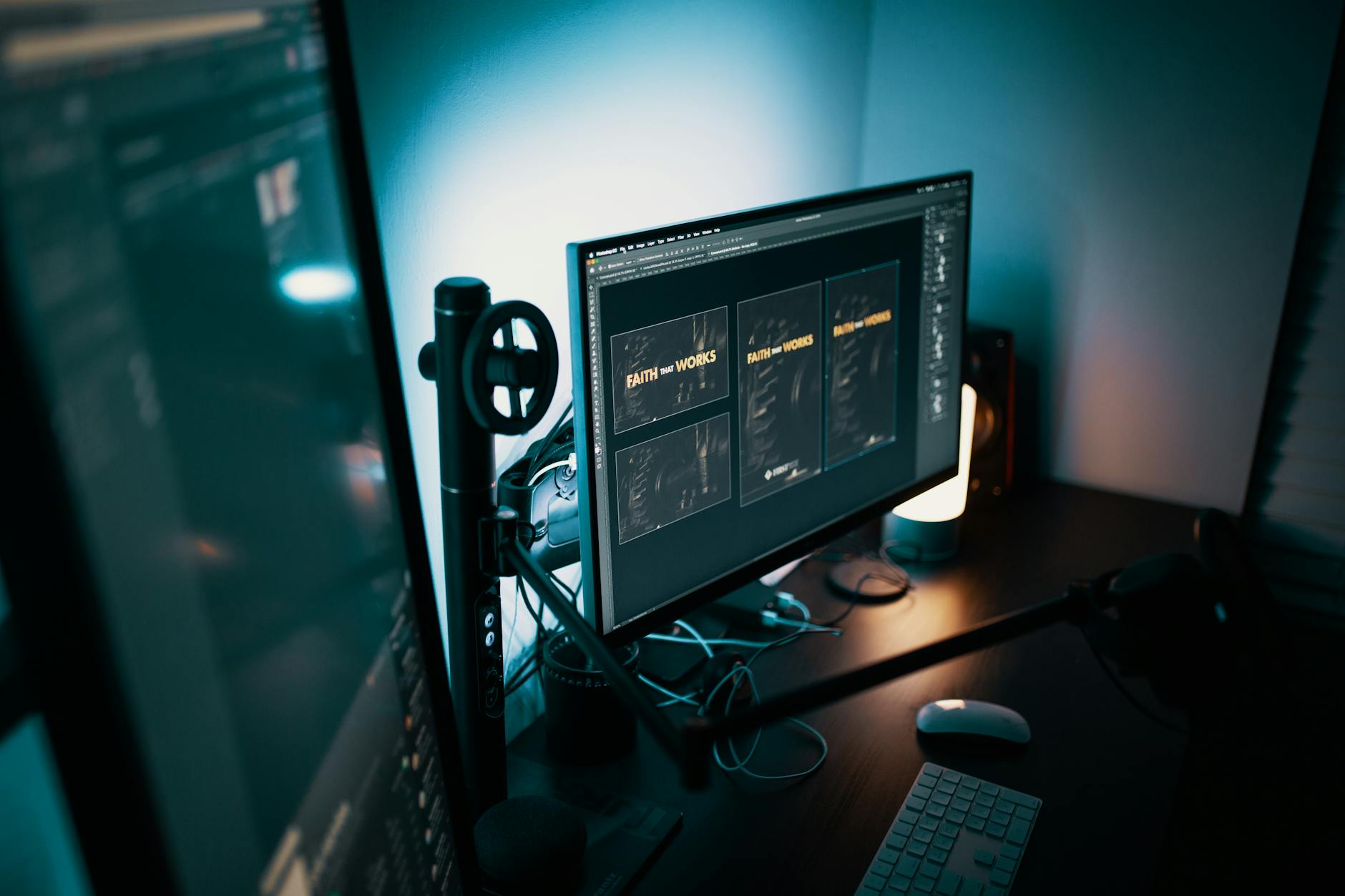
LG Monitors Install Software Through Windows Update Without Consent
A Hidden Update Path You Didn’t Agree To
It’s not uncommon for software to update silently in the background. But what happens when your monitor starts installing software without your knowledge?
Recent reports suggest that certain LG monitors are quietly receiving updates through Windows Update, installing components that may include drivers, firmware, or background services — all without a prompt, notification, or user approval. This behavior raises serious concerns about transparency and user control.
How It Works: More Than Just a Display
Modern monitors are no longer passive devices. Many LG models include:
- Built-in processors
- Firmware for display control
- USB hubs with data passthrough
- On-screen display (OSD) customization
When connected via USB-C or HDMI with data support, these monitors can be recognized by Windows as more than just displays. They appear as composite devices, complete with hardware IDs that Windows uses to search for matching drivers or firmware in its update catalog.
If LG submits firmware updates to Microsoft’s update ecosystem, Windows may automatically download and install them during routine updates — just like it would for a network adapter or printer.
The result? A silent update cycle where your monitor receives changes without any visible indication.
Why This Is Problematic
While firmware updates can improve performance or fix bugs, the lack of transparency is the core issue. Consider:
- No notification appears when an update runs
- No option to opt in or out
- No log of what was installed
- Potential for unintended side effects
Users have reported strange behaviors after Windows Updates:
- New LG software appearing in startup programs
- Changes to brightness or color settings
- USB hub functionality breaking
- On-screen menus altering unexpectedly
These changes can disrupt workflows, especially in professional or creative environments where precision matters.
The Bigger Picture: Where Do We Draw the Line?
If a monitor can silently install software, could other peripherals do the same? Webcams, docking stations, or smart peripherals with firmware could theoretically follow suit.
This blurs the line between hardware and software. Should your display have the same update privileges as your graphics driver? Most users would argue no — especially without explicit consent.
Windows Update is designed for security and stability, not to act as a delivery mechanism for third-party vendor software. When hardware silently piggybacks on this system, it risks turning a trusted maintenance tool into an unapproved software installer.
How to Protect Yourself
If you use an LG monitor, here are steps you can take:
-
Check Installed Programs After a major Windows update, review your installed software for unfamiliar LG-related entries.
-
Disable Automatic Driver Updates (Optional) Go to:
Settings > Devices > Windows Update > Advanced optionsTurn off optional driver updates if you want more control. -
Limit USB Connection If your monitor uses USB for hub or control features, consider disconnecting the upstream USB cable when not needed.
-
Use LG’s Official Software If you rely on features like On-Screen Control, install it manually from LG’s website rather than relying on Windows Update to deliver it.
Final Thoughts
This isn’t about fear — it’s about awareness. Most users may never notice an update, and many could be beneficial. But the lack of consent, notification, and control is unacceptable.
Hardware should enhance your experience, not quietly reshape it. Until companies like LG and Microsoft provide clear opt-in mechanisms or notifications when monitor firmware updates occur, users must remain vigilant.
Stay informed. Check your system. And question what’s being installed — even if it comes from your monitor.